



NVIDIA's B200 hits 60,000 tokens per second per GPU on GPT-OSS-120B with the right software stack, per SemiAnalysis InferenceX data from April 2026. That's a 4x throughput improvement over H200 and pushes cost per million tokens down to about $0.02. Those are the headline numbers. They are also not your numbers. Your workload's tokens per second, time to first token, and tail latency will not match MLPerf's, and that gap is where most B200 procurement decisions go wrong. This is how to benchmark your actual workload before committing to a B200 cluster.
- Public MLPerf and vendor numbers are directional, not predictive. B200 ranges from ~6,972 tok/s/GPU at FP8 (Llama 2 70B offline) to 60,000 tok/s/GPU at FP4 with disaggregated serving (GPT-OSS-120B). The 8.6x spread is the workload, not the GPU (SemiAnalysis InferenceX, April 2026; MLPerf Inference v5.1)
- Four metrics determine whether B200 wins for your workload: TTFT (time to first token), TPOT/ITL (per-token latency), throughput (tokens/sec per GPU), and tail latency (P95/P99). Pick the wrong one and the procurement decision optimises the wrong cost
- FP4 on Blackwell delivers roughly 2x the TFLOPS of FP8, but accuracy can degrade on reasoning, math, and chain-of-thought tasks. FP8 is the safe default; FP4 is the upside if your model tolerates it
- Disaggregated serving (separate prefill and decode pools) is how the 60,000 tok/s number was achieved. Monolithic serving on the same hardware will not reach it
- GPUaaS.com wholesale B200 contracts with no multi-year lock-in, so benchmarking can happen on real hardware before a long-term commitment, not just on borrowed cloud credits
Vendor benchmarks and MLPerf submissions tell you what B200 can do under ideal conditions with a specific model, batch size, and software stack. They rarely tell you what B200 will do for your model, your batch size, and your inference server. This is the benchmarking process that closes that gap.
Why public benchmarks do not transfer to your workload
SemiAnalysis InferenceX benchmarked B200 running Llama 2 70B at FP8 in an offline batch scenario and measured roughly 6,972 tokens per second per GPU. The same B200, running GPT-OSS-120B at FP4 with disaggregated serving, hit 60,000 tokens per second per GPU. That is an 8.6x difference on the same physical hardware. The variable was not the GPU. It was model architecture, precision, serving topology, and batch composition.
MLPerf Inference v5.1 results show a similar pattern across submitters: the same GPU generation produces throughput numbers that vary by an order of magnitude depending on model, precision, and framework. A number from a benchmark run on a different model, precision, and framework tells you almost nothing about your deployment.
The four metrics that actually matter
Before running a single benchmark, decide which metric your workload is optimising for. Optimising for the wrong one produces a benchmark that looks good and a production deployment that disappoints.
A batch inference pipeline that never shows a user a live response should optimise for throughput and ignore TTFT entirely. A customer-facing chat product should treat TTFT and tail latency as the binding constraints, even if that means sacrificing raw throughput.
FP4 vs FP8: the precision decision
Blackwell's FP4 Tensor Cores roughly double the TFLOPS available at FP8, and the 60,000 tok/s GPT-OSS-120B result depended on FP4 precision. That speedup is not free. Quantizing to FP4 can measurably degrade accuracy on tasks that depend on precise numerical reasoning, multi-step math, and chain-of-thought generation.
The safe default for benchmarking is FP8: run your actual model at FP8 first and treat that number as your baseline. Then test FP4 on a held-out set of your hardest reasoning or math examples specifically. If accuracy holds within your tolerance, FP4 is a legitimate throughput upgrade. If it degrades on the tasks that matter to your product, stay on FP8 and do not chase the benchmark number.
Monolithic vs disaggregated serving
Most inference serving runs prefill (processing the prompt) and decode (generating tokens) on the same GPU, in the same process. Disaggregated serving splits these two phases onto separate GPU pools, each tuned for its own bottleneck: prefill is compute-bound, decode is memory-bandwidth-bound.
The 60,000 tok/s/GPU B200 result used disaggregated serving. Running the same model on a monolithic setup, prefill and decode sharing one GPU, will not reach that number, regardless of GPU generation. If your current stack is monolithic, benchmark it as-is first. Then benchmark a disaggregated configuration separately before assuming a GPU upgrade alone will close the gap.
A benchmarking checklist before you commit to B200
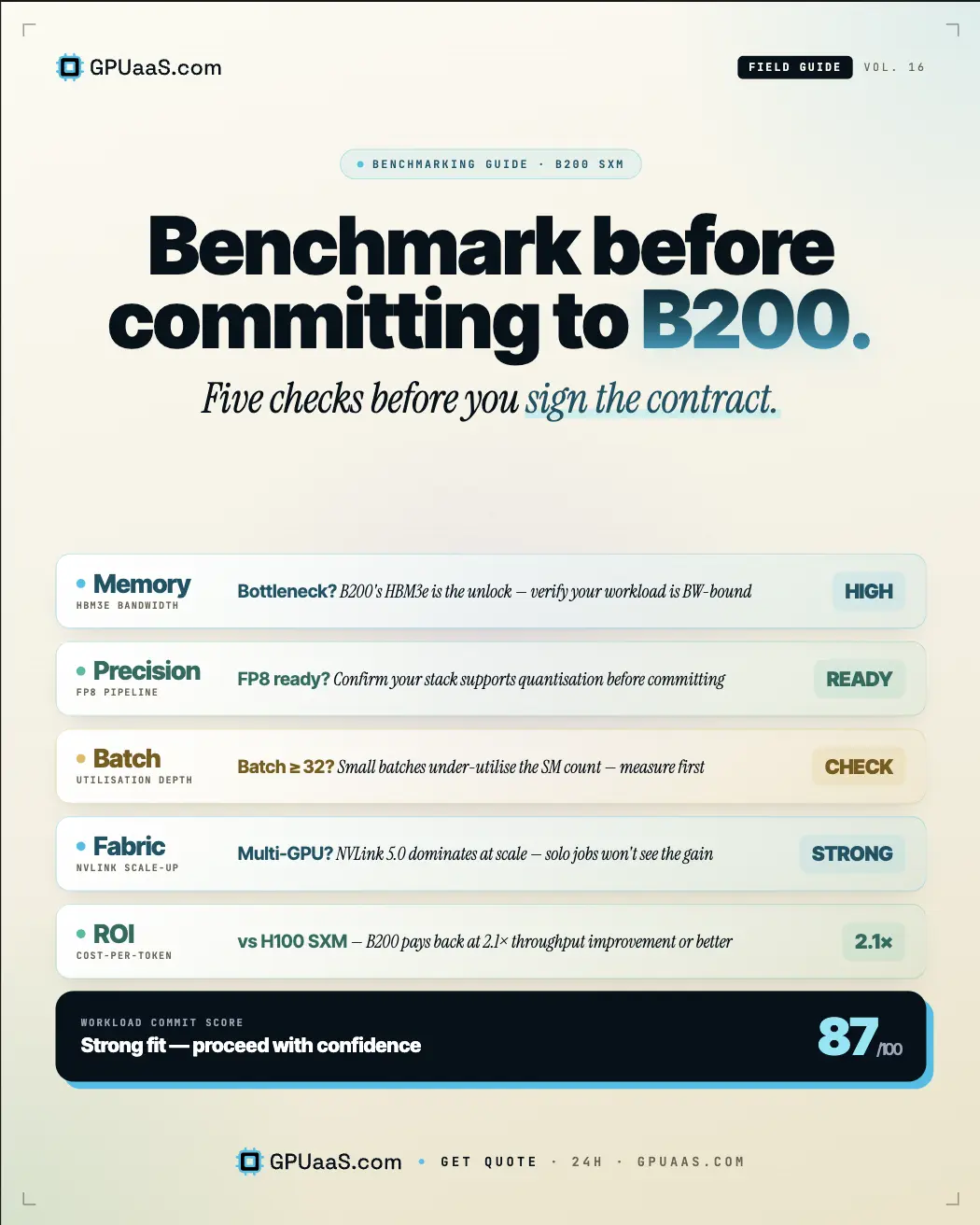
- Run your actual model, not a proxy model, at your actual expected batch size.
- Test FP8 first as your accuracy baseline, then test FP4 on your hardest examples.
- Measure all four metrics (TTFT, TPOT, throughput, tail latency), not just the one your team defaults to.
- Test both monolithic and disaggregated serving if your inference server supports it.
- Run the same benchmark on your current GPU generation for a direct comparison, not a public number for a different chip.
- Benchmark under realistic concurrent load, not a single-request best case.
Public benchmarks tell you what is possible. Your own benchmark, run on your model, at your batch size, on the actual GPU you are about to commit to, tells you what is likely. Wholesale B200 clusters from GPUaaS.com support short-term access for exactly this kind of benchmarking, so you are testing on real hardware before signing a longer commitment.


