Blog ▸ Right-Sizing Your GPUs Will Save You 30%. Where You Rent Them Saves You Another 30% on Top.
GPU Infrastructure
Right-sizing GPU instances saves 30 to 50%. Choosing the right provider saves another 40 to 85% on the same hardware. Here is how the two layers stack and why most teams only apply one of them.
Right-Sizing Your GPUs Will Save You 30%. Where You Rent Them Saves You Another 30% on Top.
GPUaaS.com Team
GPU Cost Strategy
June 29, 2026
No items found.
A team I know runs eight H100s on AWS. Has for over a year. Three months ago they brought in a FinOps consultant who did the standard pass: right-sized two of the eight down to A100s, moved their nightly batch jobs to spot, killed three zombie instances nobody remembered spinning up. Bill went from $14,500 a month to about $9,400. Everyone was happy.
Then their new ML lead joined from a startup and asked why they were paying $6.88 an hour for an H100 when she had been paying $2.50 somewhere else. Nobody had an answer. The FinOps consultant had not touched the question because it was not his job. He optimizes usage on whatever you are already running. He does not ask if you picked the right place to run it.
Key takeaways
Right-sizing GPU tiers to actual workload needs saves 30 to 50% on compute, independent of provider (CloudZero, 2026)
The same H100 SXM5 chip costs $6.88/hr on AWS, $12.29 on Azure, and as little as $1.45/hr reserved on specialized providers
Right-sizing and provider selection compound rather than overlap. A fleet that does both can see total compute costs fall 70 to 80%
Average GPU utilization across enterprise clusters sits at 5% (Cast AI, 23,000 clusters measured). Right-sizing without measuring first is a guess
Hyperscalers earn their premium on regulated, multi-region, compliance-heavy workloads. Training and batch inference usually do not need it
That is the gap. Almost every cost guide published this year tells you to right-size, use spot, kill idle instances. Good advice. CloudZero says it saves 30 to 50%. Cast AI says the same. None of them mention that the GPU rate itself is a separate variable you can also change.
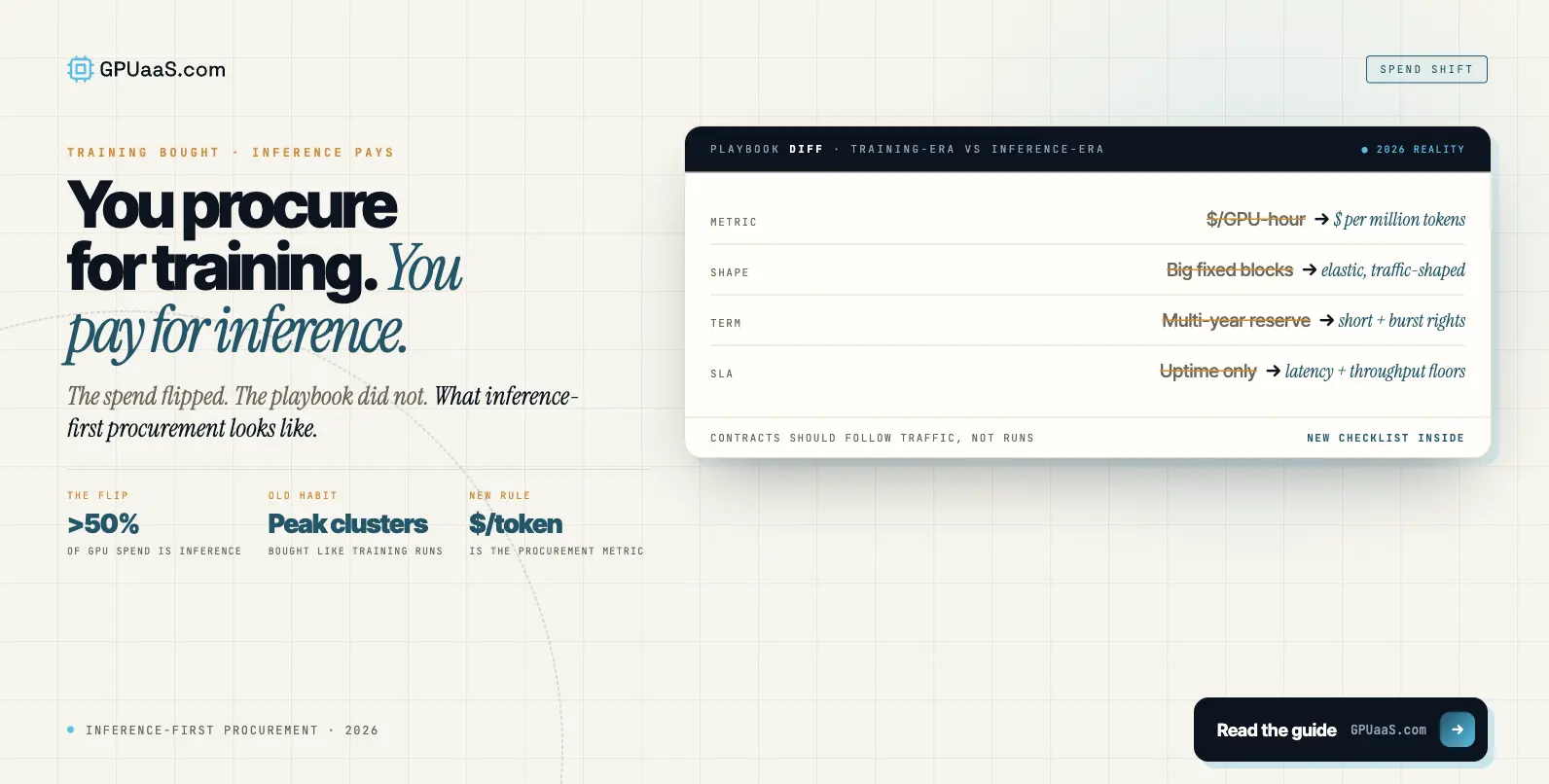
Here is what AWS charges for an H100 SXM5 right now: $6.88 an hour on-demand. Azure: $12.29. GCP's A3-high comes in lower, around $3. Lambda Labs, the same exact chip: $2.49. VESSL Cloud: $2.39. CoreWeave's reserved pricing dips to $1.45 if you commit.
◆ THE SECOND LEVER
Same silicon, different rate card
The team's $6.88-an-hour H100 and the $1.45-an-hour H100 are not different products. They are the same GPU sitting in different data centers with different business models attached.
So back to the eight-GPU fleet. Pre-optimization: $14,500 a month. After right-sizing two GPUs to A100 and trimming idle time: $9,400. That is real, that consultant earned his fee.
Now move that same right-sized fleet to a provider charging $2.50 for H100 and $1.07 for A100. Same workload, same hours, different rate card. Monthly cost: roughly $3,200.
$14,500 to $3,200. Right-sizing got them to $9,400. The provider switch is what got them the rest of the way. Two separate levers, and most teams only know about one of them.
◆ WHY NOBODY ASKS
The tools that exist do not look at this question
Kubecost tells you your utilization. Cast AI's dashboard tells you which instances are idle. Neither one asks whether AWS was the right place to be running this in the first place. That question lives with whoever signs the cloud contract, and that person usually is not in the room when the FinOps team is doing its quarterly review.
78%
total reduction in this fleet's monthly bill, from $14,500 to roughly $3,200, by stacking right-sizing with a provider switch on the same workload
Modeled from CloudZero 2026 and Spheron Network May 2026 pricing data
The gap is not a scam. AWS bundles the GPU with 30-plus regions, a full compliance shelf covering FedRAMP, HIPAA, and SOC 2, managed Kubernetes, and a support team that picks up the phone. A specialized GPU provider strips all of that and sells you closer to the cost of the chip itself.
◆ WHO ACTUALLY NEEDS THE PREMIUM
Compliance paperwork is the thing you are actually buying
If you are running a regulated workload that genuinely needs HIPAA coverage across fifteen regions, some of that premium is buying something real. If you are training a model and checkpointing to S3, it probably is not.
Most teams running serious AI workloads in 2026 have figured this out and split their infrastructure accordingly: training on the cheap provider, production inference on the hyperscaler where the compliance paperwork actually matters. For the contract-length side of this same decision, the reserved vs on-demand GPU guide covers it. And for the full breakdown of what the rate gap buys, the wholesale vs hyperscale pricing post goes deeper.
◆ THE 5% PROBLEM
Right-sizing without measuring is a guess
One more thing worth knowing before any of this math works. Cast AI measured GPU utilization across 23,000 production clusters last year. Average: 5%. If your fleet is sitting at 5%, right-sizing is not really an optimization. It is discovering you never needed most of what you provisioned.
Standard Kubernetes dashboards will not show you this. They track CPU and memory by default. You need something like DCGM or Kubecost specifically pointed at GPU usage to see it.
◆ THE ORDER THAT WORKS
Measure, then size, then shop
Measure utilization first, because guessing at right-size targets without data is how you end up moving the wrong workloads. Right-size the GPU tier to what the workload actually needs. Then, once you know exactly what you need, shop that spec across providers instead of assuming you are stuck where you started.
A workload that ends up needing four H100s at $2.50 an hour instead of $6.88 saves more real money than running the same arithmetic on a workload that was never properly sized to begin with.
◆ WHERE THIS GETS PRACTICAL
Get visibility into rates you are not currently on
GPUaaS.com connects buyers with vetted GPU providers including capacity that is not listed anywhere public, with quotes back within 24 hours. Once you know your workload's actual GPU and hour requirements, getting three or four quotes on it costs nothing, and the gap between the cheapest and most expensive option is usually larger than people expect.
See what your right-sized workload would cost elsewhere.
NVIDIA B200, H200, H100, A100, RTX Pro 6000. North America, EU, MEA, APAC. No buyer fees. Also on packet.ai for self-serve access.
Yes, because they touch different parts of the bill. Right-sizing cuts how much capacity you consume. Provider selection cuts the price per unit of that capacity. A fleet that does both can see a 70 to 80% reduction versus the original unoptimized hyperscaler bill, as in the eight-GPU example above where $14,500 became $3,200.
Hyperscalers bundle the GPU with global regions, compliance certifications, managed services, and support. Specialized providers strip that out and price closer to the cost of the chip itself. Same hardware, different products attached to it.
No. Regulated workloads with heavy compliance needs often justify the hyperscaler premium. Training and batch inference usually do not. Most serious AI teams split it: training on the cheaper provider, production inference on the hyperscaler.
A fleet at 5% utilization is not slightly over-provisioned, it is massively over-provisioned. Right-sizing it is the bigger win than people expect, and applying provider-rate savings on top without measuring first means paying a lower rate for capacity the workload never needed.
Once a workload's GPU tier and hours are known, GPUaaS.com surfaces quotes from vetted providers below hyperscaler retail rates, including capacity not listed publicly. Quotes within 24 hours, no buyer fees.
Last reviewed: 30 June 2026. Provider pricing data from Spheron Network GPU Cloud Pricing 2026, CloudZero GPU Cost Optimization research, and VESSL Cloud pricing comparison March 2026. Utilization data from Cast AI 2026 State of Kubernetes Optimization Report. Browse current GPU cluster availability on GPUaaS.com.